A portfolio project: an Android wallet app that rounds up every QRIS payment into a savings pocket. It also features interest-bearing pockets, 24-hour refunds, statistics and an encrypted database.
Scroll to follow a single transaction. The screen on the right changes with every chapter.
Heads-up: the money is simulated and the QRIS codes are only structurally valid because PocketPay is not a registered QRIS issuer. Do not use it for real funds.
01
Pay without thinking
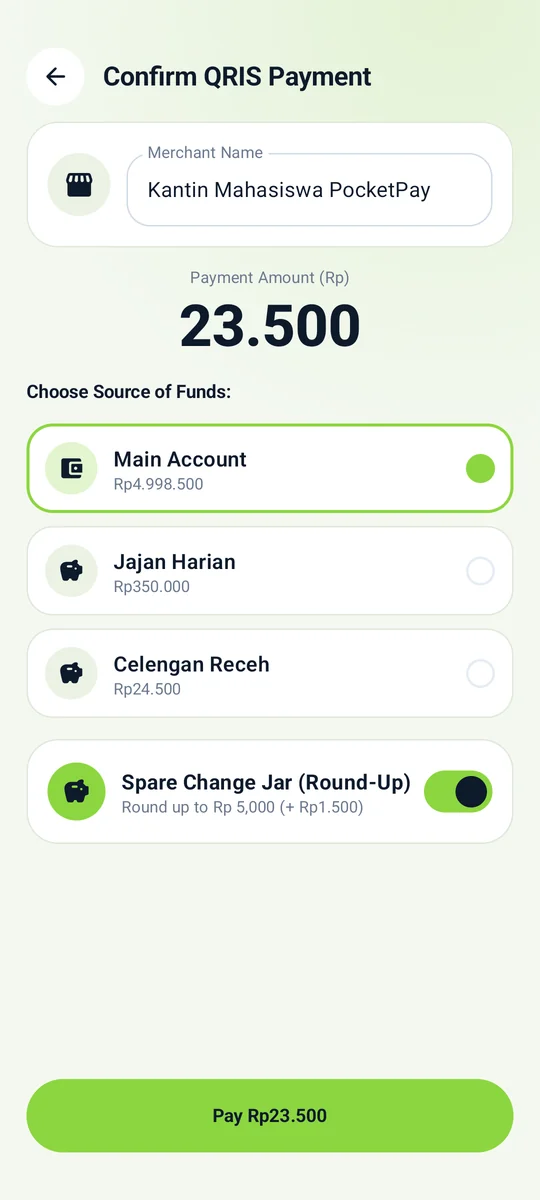
Scan QRIS with the camera or the gallery. Only valid QRIS (CRC-16, IDR currency) is accepted; anything else is rejected immediately.
Choose the source: the Main Account or a pocket.
Pocket short? The difference is taken from the Main Account inside one atomic transaction.
02
Spare change becomes savings
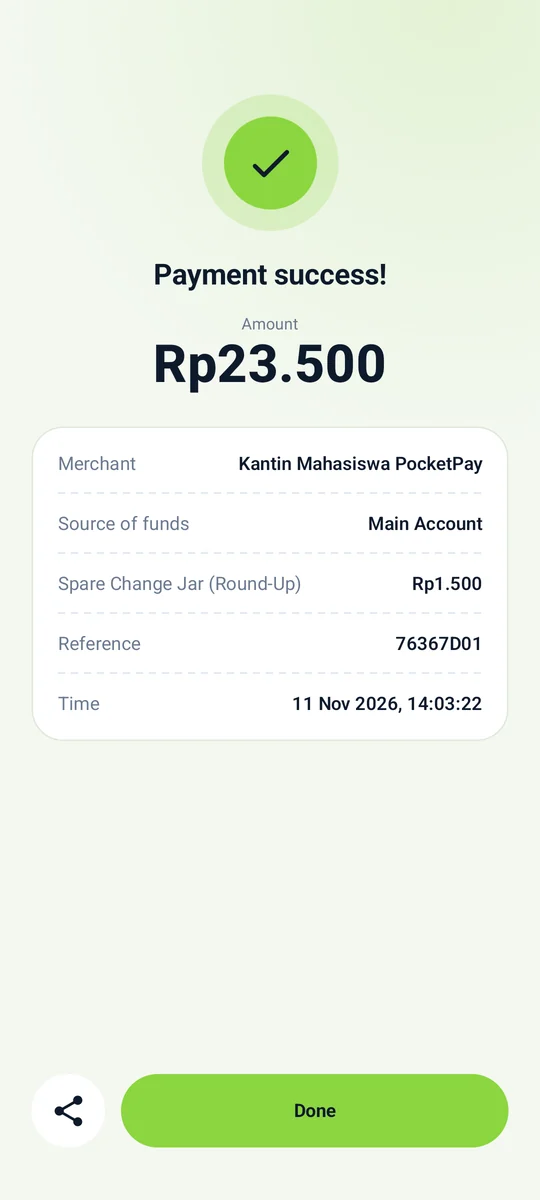
The amount is rounded up to the next Rp 5,000 and the difference goes to the Spare Change Jar. Other pockets grow their balance with interest.
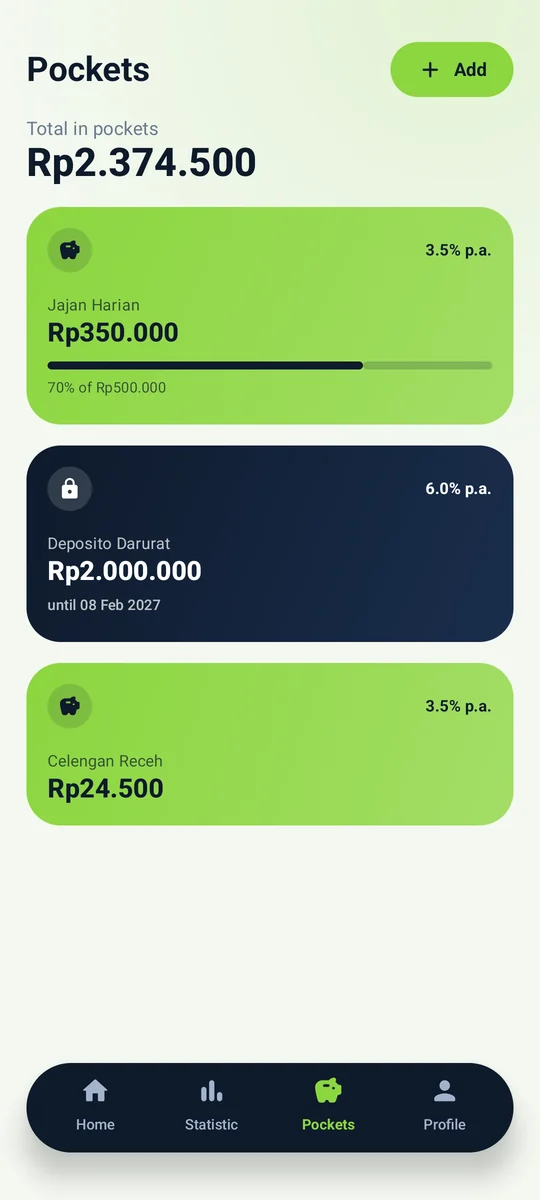
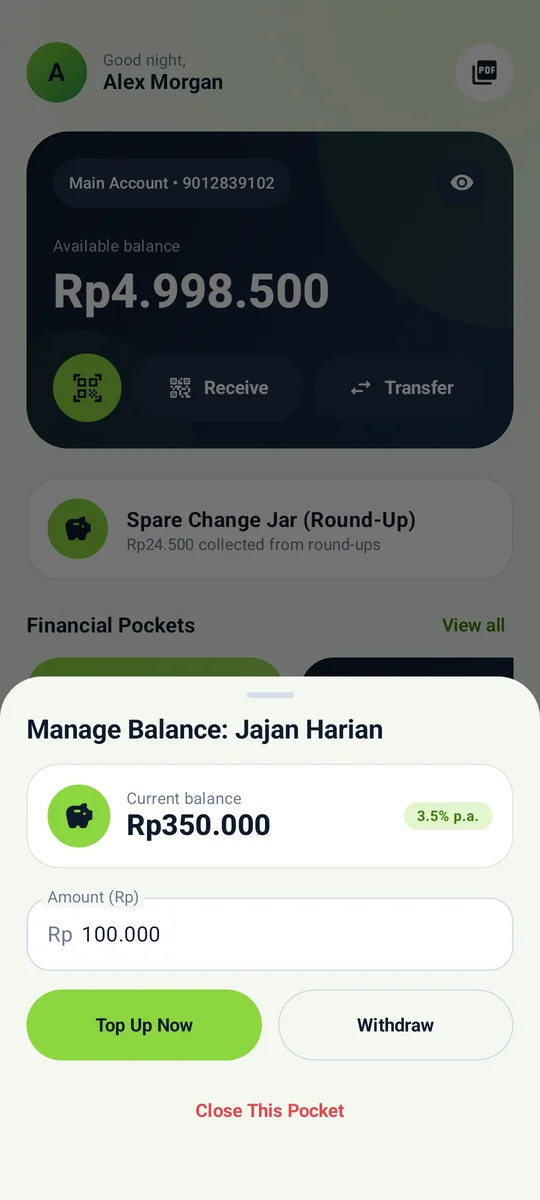
Spending pockets at 3.5% p.a. with goals and progress.
Deposits at 6% p.a. locked until maturity.
Daily interest arrives through WorkManager even when the app is closed.
03
See where your money goes
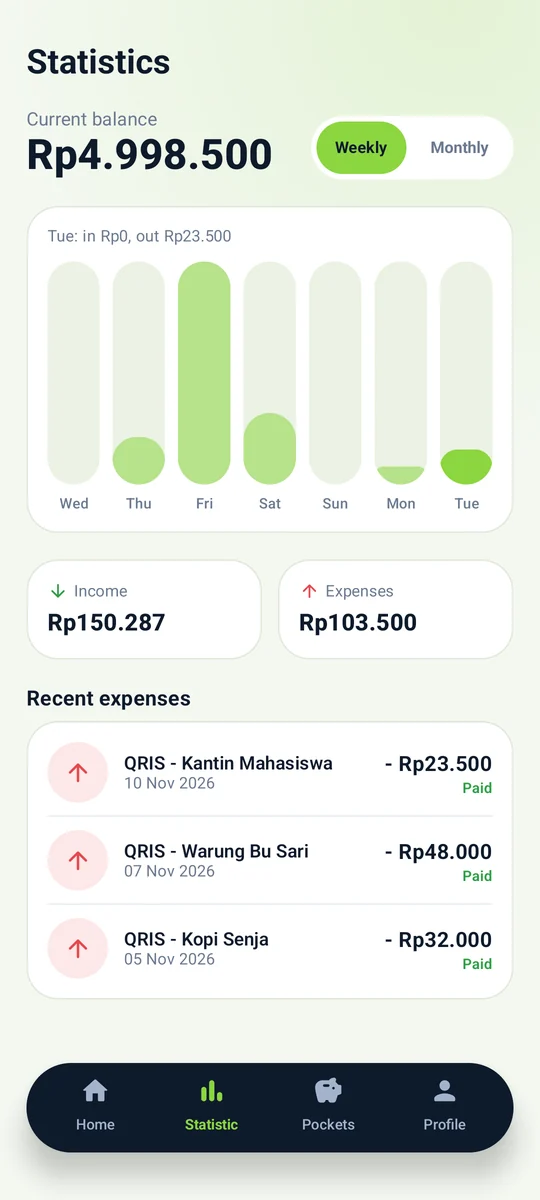
Weekly and monthly charts are built from real transactions. Tap a bar to see that day's income and spending.
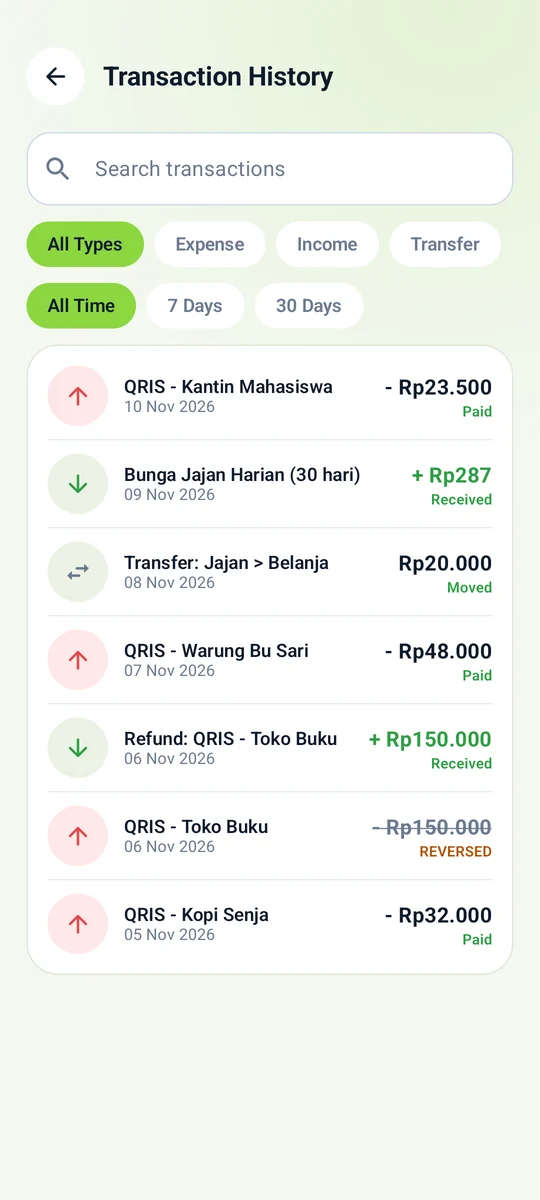
Refunds, reversed payments and internal moves are never double-counted.
History can be searched and filtered by type and period.
04
Safe from the first tap
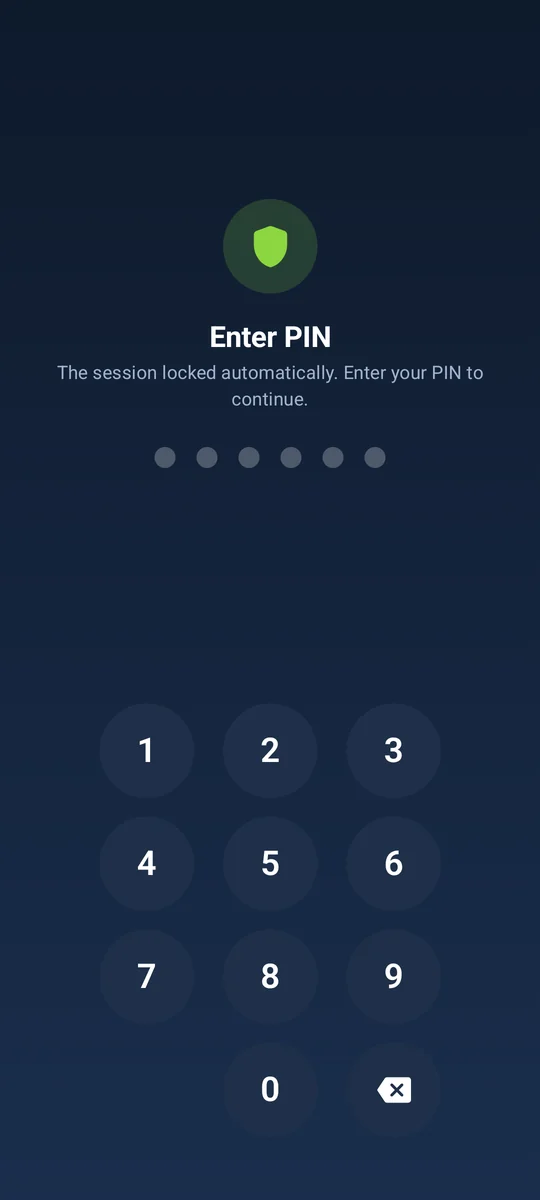
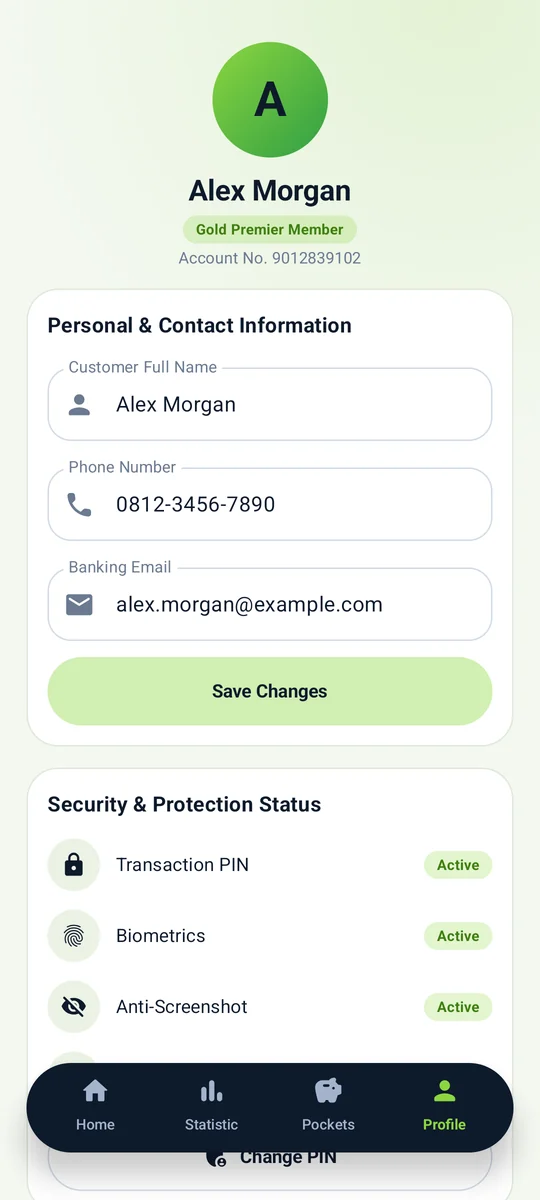
The app always starts locked. A 6-digit PIN or biometrics is asked again after 60 s in the background and before every payment.
Five wrong tries lock PIN entry for 30 seconds.
SQLCipher database; its key is wrapped by the Android Keystore.
05
Receipts you can reverse
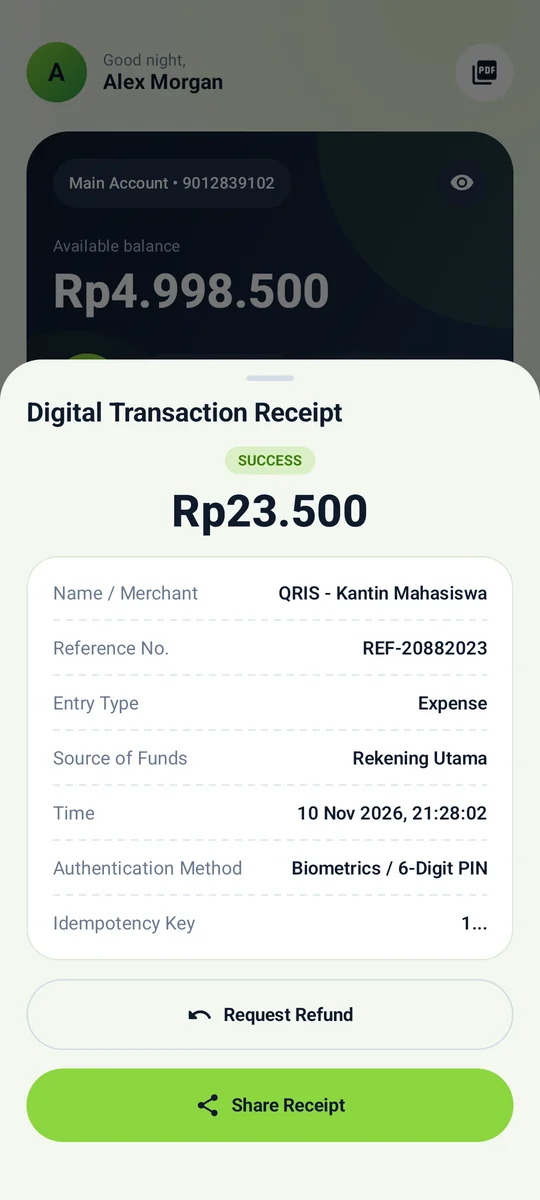
Every transaction has a digital receipt with a reference number and an idempotency key, so it can never be recorded twice.
Refund within 24 hours: money returns and the original is marked reversed.
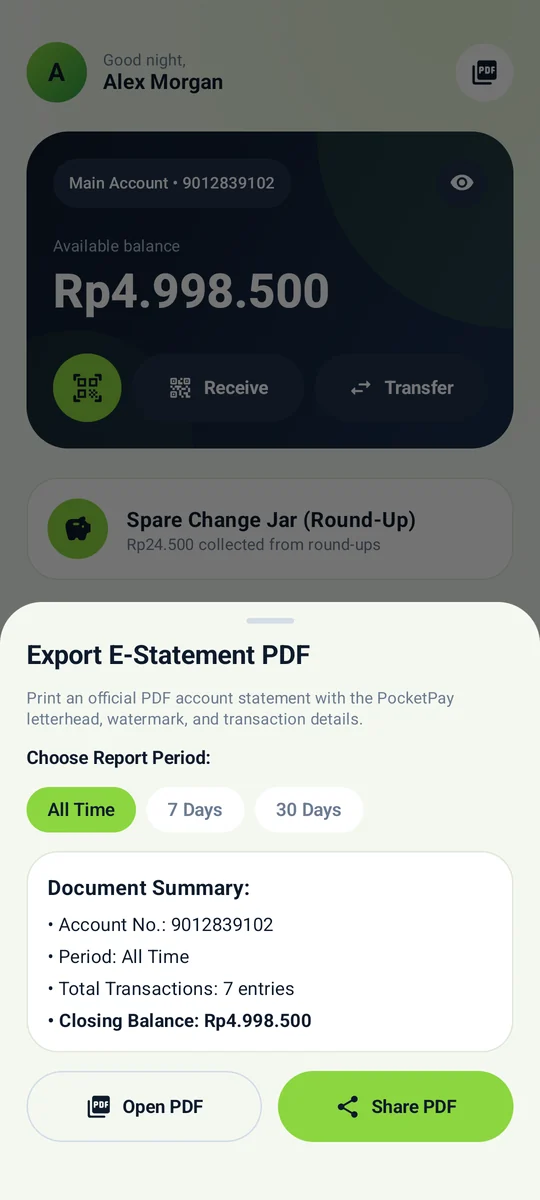
A multi-page PDF statement to open or share.
All features
What a modern wallet needs, already working
QRIS with cascading funding
Camera + gallery scanner, EMVCo validation and atomic transactions. A short pocket is covered by the Main Account.
Round-up
Rounded to Rp 5,000, switchable per payment.
Automatic daily interest
Computed with BigDecimal and never paid twice. Notifications when a deposit matures or a goal is reached.
6%per year, locked deposit
Refund
24 hours, once only, atomic.
Statistics
Tappable weekly & monthly bars.
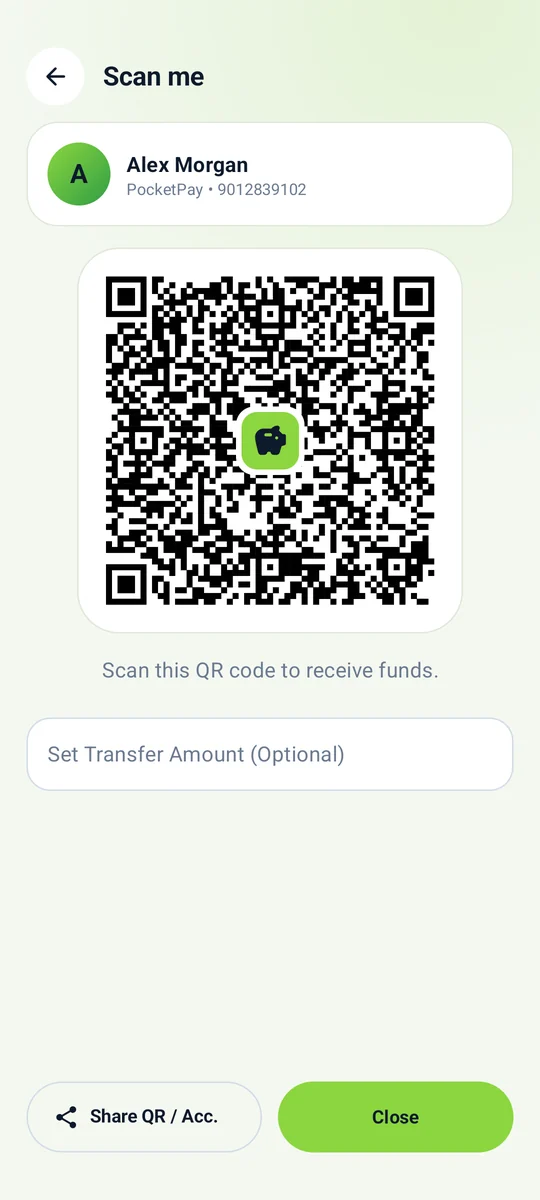
Scan me & PDF e-statement
A scannable receive QR and a multi-page statement with letterhead and watermark.
Private notifications
The lock screen shows a generic line; details appear after unlocking.
PIN + crypto-bound biometrics
A PBKDF2 hash re-encrypted with the Keystore; the biometric key is invalidated by new enrolments.
Bilingual, light & dark
Full Indonesian and English; themes follow the system from one set of colour tokens.
Screens
Warm, clean and consistent
Swipe sideways. Images are rendered straight from the app with sample data.
SplashBranded entrance.
PIN lockKeypad and fingerprint.
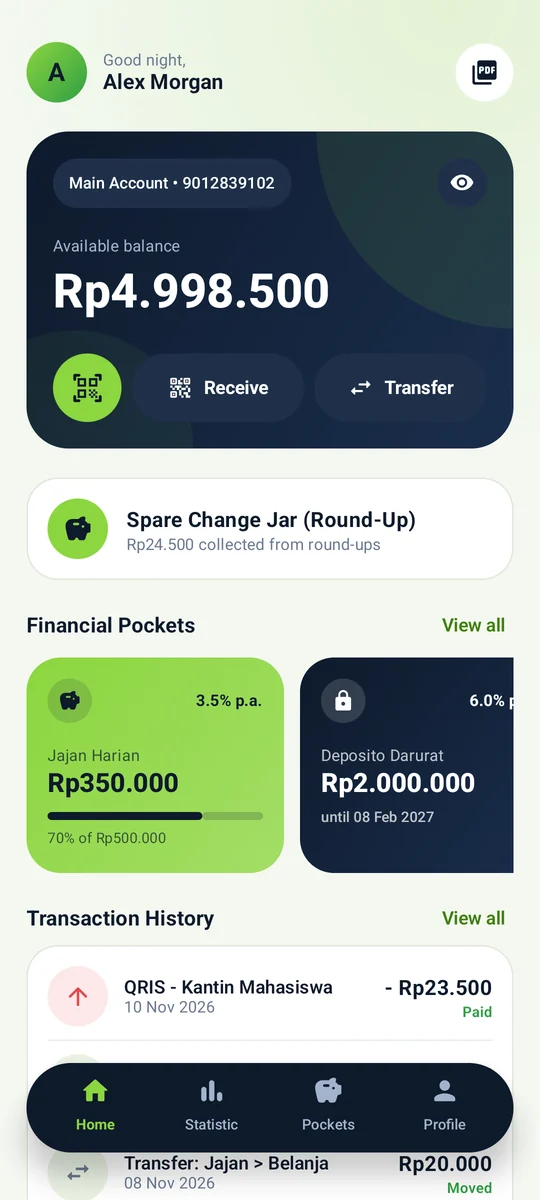
HomeBalance, pockets, history.
Pay with QRISFunding & round-up.
SuccessReceipt-style summary.
StatisticsA tappable chart.
PocketsSpending, deposit, goals.
Manage pocketTop up, withdraw, close.
Receipt & refundTransaction details.
Scan meReceive QR.
HistorySearch and filter.
ProfileSecurity status.
E-statementPDF export.
Money rules
Numbers you can check yourself
A real example: paying Rp 23,500 from the Jajan Harian pocket. Every rule lives in BankingDao and is tested.
POCKETPAY
SAMPLE QRIS PAYMENT
MerchantKantin Mahasiswa
SourceJajan Harian
PaidRp23.500
Round-up → Rp25.000Rp1.500
FromMain Account
Saved toCelengan Receh
Total outRp25.000
✓ ATOMIC · IDEMPOTENCY KEY 76367D01
Round-up
Rounded up to a multiple of Rp 5,000. The difference moves from the Main Account to the Spare Change Jar.
Cascading
Pocket short? The deficit comes from the Main Account. Rejected if the combined balance cannot cover payment + round-up.
Deposit
Locked until maturity: it cannot pay, be transferred, withdrawn or closed.
Interest
balance × rate ÷ 100 ÷ 365 × whole days — rounded down, at most 365 days per run; the partial day carries over.
Refund
24 hours. Money returns to the Main Account, the original becomes REVERSED and the round-up stays saved. A second refund is rejected.
Integrity
Long balances, amounts must be > 0, and balances are re-read inside the transaction so a stale screen cannot overspend.
Security
Five layers, honest about the limits
1
Screen
FLAG_SECURE blocks screenshots and Recents. The app starts locked and relocks after 60 s in the background.
2
Access
A 6-digit PIN (PBKDF2, 120k iterations; weak PINs rejected), a 30 s lockout after 5 misses, and CryptoObject-bound biometrics.
3
Data at rest
SQLCipher AES-256 with a random passphrase wrapped by an Android Keystore key. Older unencrypted databases are converted automatically.
4
Transactions
Atomic, balances re-read, idempotency keys, and typed errors that never leak internals.
5
Device
No backups, a FileProvider limited to the statements folder, R8 enabled, and private lock-screen notifications.
Architecture
One direction, easy to test
Clean Architecture + MVI: the UI sends intents, the ViewModel owns a StateFlow, and the repository calls a DAO that runs the money rules atomically.
One Room transaction
Every money operation is atomic; balances are re-read inside it.
Typed errors
BankingError maps to bilingual messages.
Safe overlays
Swallow touches and hide what is beneath from TalkBack.